How Much Data Do You Need for Signal?
If you value maximum privacy and rely on Signal for messaging, here’s some good news – it’s also perfect for travel, as the app consumes very little data. Signal uses roughly the same amount as WhatsApp or Facebook Messenger. Our PrimaSIM team will show how much MB each feature uses, how to minimize consumption, and which travel eSIM is the best choice for different countries.
Signal Internet Usage
On average, a user consumes only about 21-25 MB per hour during active use of the messenger, though it largely depends on the type of activity. Text messages use almost no traffic, while video calls are the biggest data users. For example, 50 messages amount to just 0.05 MB, whereas a 10-minute video call can consume 55 MB. More detailed calculations are shown in the table below.
| Type of activity | Internet usage |
| Text message (1 message) | 1 KB |
| Voice call (1 minute) | 0.5-1 MB |
| Video call (1 minute) | 5-6 MB |
| Media download/background activity | 1-2 MB per file/session |
How to Reduce Internet Usage on Signal
Background activity (when you don’t even open the app) can consume anywhere from 5 to 50 MB per day. It all depends on how often you receive notifications and whether photos or videos are sent to you regularly. The first way to save is to disable this feature. To do this, open the Settings on your smartphone, then:
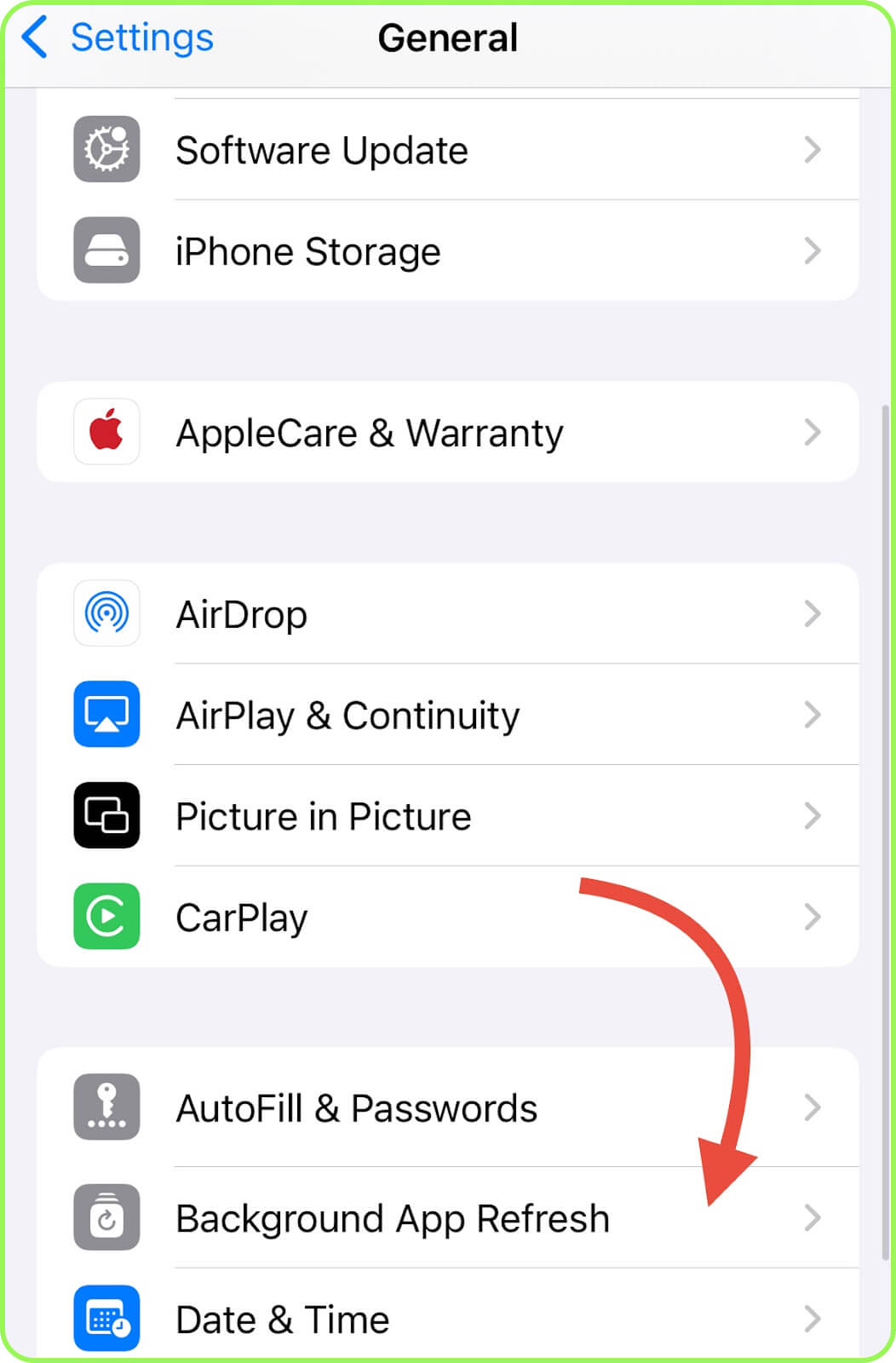
- iPhone: select «General», then «Background App Refresh», find Signal, and switch it off.
- Android: open «Apps», select «Signal», go to «Mobile Data & Wi-Fi», and disable «Background Data».
You can also completely prevent the messenger from accessing mobile data. This allows you to keep data consumption to a minimum by relying on Wi-Fi only (for example, in a hotel while traveling). Here’s how:
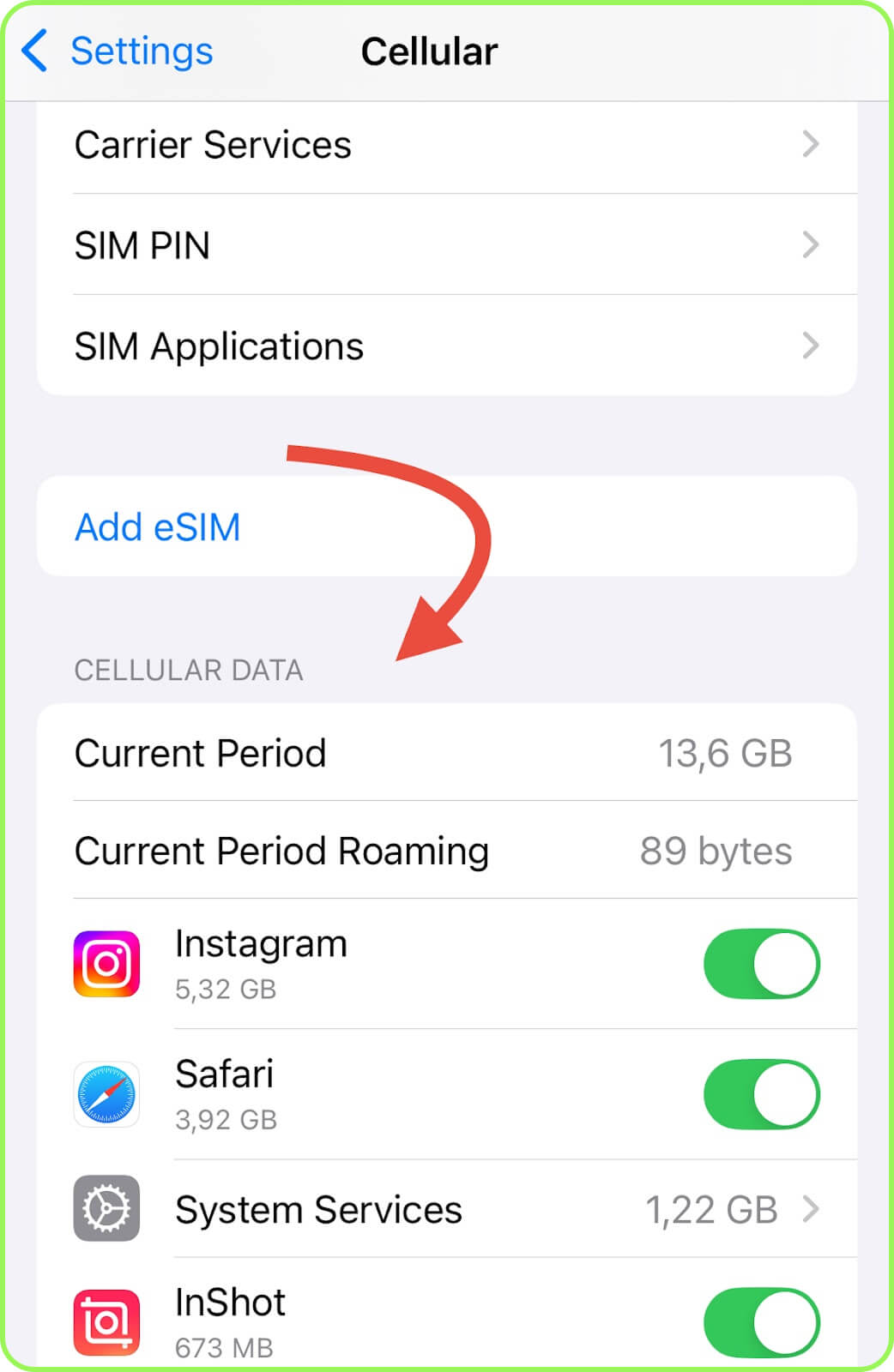
- iPhone: Access «Settings», tap «Cellular», and disable «Cellular Data» for Signal.
- Android: Navigate to «Settings», select «Apps», choose «Signal», tap «Data Usage» («Mobile Data and Wi-Fi») and deactivate «Mobile Data».
Conclusion
Signal is a low-data messenger but very convenient for travel thanks to its various features (from text messages to group calls and chats). Since it consumes minimal data, even a small plan of 2 GB or 3 GB is enough. For example, we offer PrimaSIM eSIMs for Italy or Canada. On average, calling and messaging a close one will use only about 80-100 MB per day.